
TL;DR: The Hex agent can now read your Notion workspace, Linear projects, and any tool that exposes an MCP server, and use that context alongside your warehouse to give better answers and drive work across your stack.
Your data is your most valuable asset, but it's never told the whole story on its own. The numbers tell you what happened — the context tells you why, and what to do about it. That context lives in your Notion docs, your Linear tickets, the strategy docs and planning notes your team has been building for years. The best analysts are skilled at combining data with this kind of understanding.
Today, the Hex agent can too.
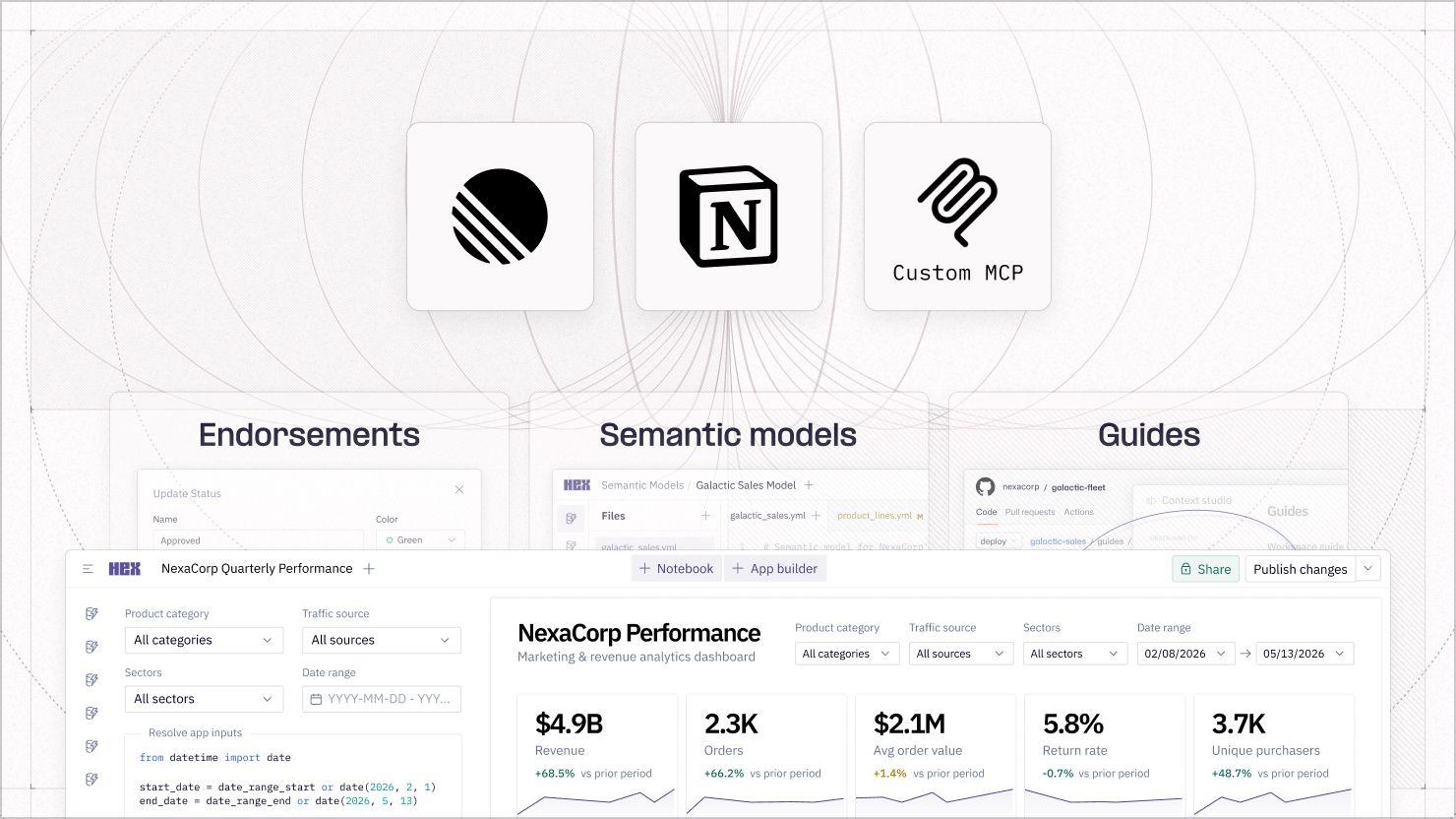
You can now connect Hex to the tools your team already uses, starting with Notion and Linear, as part of our MCP client public beta.
Admins set this up once in Settings, and everyone else enables it inside any Thread. Because Hex uses individual authentication for each connected tool, the agent respects the same permissions your team already manages, without any extra configuration.
Connected apps extend context
Today in Hex your team can deploy agents that they can trust by defining context with endorsements that guardrail which data it can access, semantic models that define your metrics, and guides that capture your business logic.
Connected apps extend that context beyond your data with the meeting notes, tickets, and planning docs your team is updating every day. The agent reasons across all of it, so business teams get answers that reflect not just what the data shows, but what your team actually knows.
Imagine a spike in churn in March. What influenced it? Was it a pricing change that shipped the week before? The support ticket spike that followed? Which segment was most affected? These questions are answered in part by your data, and in part by the shared knowledge of your business teams.
The Hex agent reads across all of it.
Prompts worth trying
- "Our [metric] dropped last week. Pull the numbers and check what shipped, what was discussed, and what changed — what's the most likely explanation?"
- "Summarize where we stand heading into this week: key metrics from the warehouse, anything open in our project tracker, and anything relevant in our planning docs."
- "We launched [feature] recently. Pull the data and check our launch doc — are we hitting the goals we set?"
- "Before my call with [customer], pull their usage data and check our notes — what's changed recently and what should I know going in?"
- "Does our performance this [period] line up with what we committed to? Show me where we're on track and where we're not."
The more you connect, the smarter the agent gets
Each tool you connect doesn't just add a new integration — it makes the existing ones more useful, because the agent can reason across all of them at once.
- Connect Notion and the agent can cross-reference your launch doc when a metric moves, checking your stated goals against what the data actually shows.
- Connect Linear and it can pull the tickets that shipped in the same window as a drop in engagement, without you having to go looking.
- Connect your meeting recorder and the agent can factor in what was actually decided in last week's planning call, not just what the numbers say happened after.
Connecting more apps is only half of it. When the Hex agent reasons across your tools and your data, it's working through all of the context your data team has validated (semantic models, guides, database metadata, and other apps). Combined with the business context in your apps, you get richer, more meaningful answers without sacrificing governance.
Every response lives in a project that your whole team can build on — a shared record of how you got there, not a chat window that disappears. That's what it looks like when your data drives work, not just informs it.
If this is is interesting, click below to get started, or to check out opportunities to join our team.


